Meta Ad Library: How to Find Competitors' Winning Ads
How to use the Meta Ad Library to find your competitors' winning ads, spot the ones that are working and turn them into your own UGC video ads.
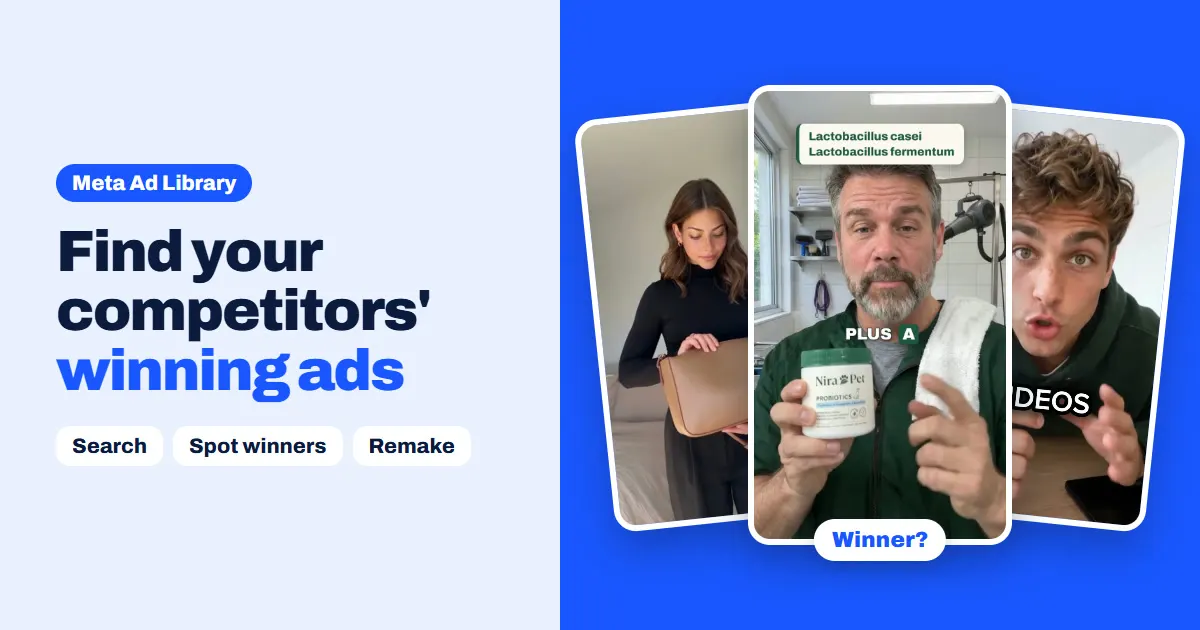
The Meta Ad Library is a free, public tool that lets anyone search the ads running right now on Facebook, Instagram and Meta's other apps (Meta). You don't need to log in or have an ad account. Type in a competitor's name and you can see the ads they're running today.
It won't tell you which of those ads make money. But it gives you enough clues to make a good guess, and a good guess is all you need to decide what to test next. Here's how to search it, how to spot the ads that are most likely working, and how to turn what you find into your own UGC ads without copying anyone.
What the Meta Ad Library shows
You'll still hear it called the Facebook Ad Library. It's the same tool, and it covers ads across Meta's apps, including Facebook and Instagram.
For every ad in the library you can see:
- The ad itself. The video or image, the text and the link it sends people to.
- Who's running it. The name of the Facebook Page behind the ad.
- When it started. Each ad shows a "Started running on" date.
- Where it runs. Icons for the platforms it's shown on.
- Versions and copies. Notes like "This ad has multiple versions" or "4 ads use this creative and text".
Each ad also has a Library ID, which you can use to find it again.
What it doesn't show
For normal product ads, the library doesn't show how much a brand spent, how many people saw the ad or how many sales it made. Meta only shows spend and reach for ads about social issues, elections or politics, and it keeps those ads for seven years (Meta).
Most other ads drop out of the search once they stop running. The main exception is the EU. Since the Digital Services Act came in, Meta keeps ads shown to people in the EU in the library for a year, along with the dates they ran, the targeting used (such as age, gender and location) and who they reached (Meta). In the library, those ads have an "EU transparency" section.
So most of what you'll see is what's live today. That's useful, because a live ad is one a competitor is still paying for.
How to search the Meta Ad Library
- Open the library at facebook.com/ads/library.
- Choose a country. Pick the country where your customers are. A brand that sells in more than one country may run different ads in each.
- Choose the ad category. Pick "All ads".
- Search by brand or keyword. The search box says "Search by keyword or advertiser". Type a competitor's name and pick their Page from the list to see all of their ads. Or type a keyword, like "dog probiotics" or "lip gloss", to see ads from everyone in your space.
- Narrow it down with filters. Click "Filters" to filter by language, advertiser, platform, media type, active status and impression dates. For UGC research, set the media type to video and keep the status on active ads.
A few tips:
- Search more than the brand name. Some brands run ads from more than one Page, or under a product name. Try the brand, the product and the website name.
- Look at brands next to yours, not only direct rivals. If you sell a dog supplement, ads for dog shampoo and dog food are worth a look too. They're talking to the same people.
How to spot your competitors' winning ads
The library doesn't show results, so you have to read the signs. None of these proves an ad is profitable on its own. Put two or three together and you have a strong guess.
It has been running for a long time
Check the "Started running on" date. Brands don't usually keep paying for ads that lose money, so an ad that has been live for weeks or months is probably doing its job. Our rule of thumb: anything that has run for 30 days or more is worth a closer look.
There are exceptions. Some ads run for months on a tiny budget, and some brands simply forget to switch ads off. That's why you check the other signs too.
The ad has several versions
When an ad says "This ad has multiple versions", the brand is running different text, headlines or images around the same idea. That's often a sign they're putting more effort behind it.
It can also just mean they uploaded a few headlines and let Meta mix them. So treat this one as a small signal, not a big one.
Many ads use the same video
The library groups copies of the same ad. When you see a line like "6 ads use this creative and text", the brand has put the same video into several ads, for example to reach new audiences or new countries. That's a sign they trust it.
The same hook keeps coming back
Scroll through all of a brand's ads, not only the newest ones. If the same opening line, problem or offer shows up across several different videos, that's a message they've found works for them.
This is the most useful thing you can find. You can't use their video, but you can learn from the message.
They keep making the same kind of ad
Look at the start dates across all their ads. If a brand launches new talking-head UGC videos every couple of weeks, that format is working for them. If they tried it once months ago and never again, it probably didn't.
Build a swipe file
A swipe file is just a place where you save ads worth learning from. A simple spreadsheet works. For each ad, write down:
| Column | What to write |
|---|---|
| Brand and link | The Page name and the ad's link or Library ID |
| Started running | The date from the library and how many days it has run |
| Format | Talking head, demo, unboxing, review, voiceover over B-roll |
| Hook | The first line or first shot, word for word |
| Angle | The main reason to buy that the ad is selling |
| Offer | Discount, free shipping, bundle, guarantee |
| Call to action | What it asks people to do |
Save a screenshot or screen recording of each video too. Outside the EU, most ads disappear from the search once they stop running, so an ad you find today may be gone next month.
Check back every week or two. Ads that are still live a month later go to the top of your list. Ads that vanish after a few days were probably tests that didn't work.
Found an angle worth testing? Send us your product link and we'll make your first UGC ad for free.
How to turn competitor ads into your own UGC ads
The goal isn't to copy their ad. It's to learn what their customers respond to, then say it better for your own product.
Borrow the angle, not the ad
Every ad has three parts you can learn from:
- The angle: the reason to buy. It saves time, it costs less than the alternative or it fixes a specific problem.
- The hook: the first line or shot that makes people stop scrolling.
- The format: how it's filmed. A person talking to the camera, a demo, a review or a day in the life.
Angles and formats are shared by every brand in a market, so you can use the same ones. What you can't do is reuse their video, footage, music or script. More on that below.
Write your own hooks
Take the problem behind their hook and write three to five openings in your own words. Say a competitor's lip gloss ad has run for months and opens with "Finally, a gloss that isn't sticky." The angle is "not sticky". Your hooks could come at it from different sides:
- "Sticky lip gloss? Watch this."
- "The windy day test for lip gloss."
- "Why your lip gloss feels sticky, and what to look for instead."
Each hook becomes its own ad. Whatever you say has to be true for your product, so pick the hooks you can show on camera.
Keep the structure that works
Most short UGC ads follow a version of the same order: hook, problem, product, proof and call to action. Watch the competitor's ad and note roughly how many seconds each part takes. Then write your script to the same shape with your own words, your own product and your own proof.
Fill the gap they left
Watch their ad the way a customer would. What's missing? Maybe they never show the product being used, never mention the price or never answer the obvious worry, like "Will it fit?" or "Does it taste bad?" That gap can become your hook.
Make several versions and test them
Don't bet everything on one video. Two angles with three to five hooks each gives you six to ten ads to test. AI UGC makes that cheap, and we compare the trade-offs in AI UGC vs real creators. If you'd rather work with real creators, here's what a UGC video costs.
Run them on a small budget, keep the winners and go back to your swipe file for the next round.
What not to copy
Learning from competitor ads is normal. Copying them can get your ads rejected or taken down.
- Their video, images, footage or music. Meta's ad rules say ads may not contain content that violates anyone else's intellectual property rights, including copyright and trademark. Ads can be rejected or removed after the rights holder reports them (Meta).
- Their name or logo. Brand names and logos are usually trademarks, so keep them out of your ads.
- Their claims. "Results in 7 days" may or may not be true for them. It isn't automatically true for you. Only say what you can back up.
- Their reviews. Testimonials have to come from real people who used your product. In the US, the FTC's rule bans fake reviews and testimonials, including ones from people who don't exist (FTC).
Common mistakes
- Treating the library as proof. A long-running ad is a clue, not a guarantee. Your own test is the only proof.
- Watching only one competitor. Look at three to five brands, plus a few in nearby categories.
- Copying the format and missing the message. A nicely filmed video with the wrong message is still the wrong message.
- Checking once. Brands change their ads all the time. A quick look every couple of weeks keeps your swipe file fresh.
FAQ
Is the Meta Ad Library free?
Yes. Anyone can search it, and you don't need a Facebook account to look at the ads.
Can I see how much a competitor spends on Meta ads?
No, not for normal product ads. Spend and reach are only shown for ads about social issues, elections or politics. Ads shown in the EU have extra details, such as targeting and reach, under "EU transparency".
Can I see ads that have stopped running?
Mostly no. Inactive ads stay in the library if they're about social issues, elections or politics (for seven years) or were shown in the EU (for one year).
How do I know if a competitor's ad is working?
You can't know for sure. Look for ads that have run for 30 days or more, ads with several versions, the same video used in many ads and hooks the brand keeps coming back to.
Is it legal to copy a competitor's ad?
Using the same angle or format is normal. Copying their video, images, music, script or brand can break their rights and Meta's ad rules. If you're unsure about a specific case, ask a lawyer.
Find a few winners, make your own versions and test them. If you'd rather have it done for you, UGC Beast writes the scripts and makes the ads, and your first video is free.